agent
agent

Many people upgrade their nbn plan, run a speed test in the lounge room and wonder why the result is lower than the number on the plan. In a lot of homes the answer is not the line, it is the modem and where it sits. Wi-Fi has to travel through walls, floors and furniture, and an older router can become the bottleneck long before the connection does.
This guide looks at the three modems that Superloop currently lists for residential customers, the eero 7, the eero Pro 7 and the TP-Link VB433v. It focuses on matching a modem to your home, your plan speed and the way your household uses the internet.
Check Superloop Modems and Plans
In this guide
Why the Modem Matters as Much as the Plan
Superloop’s own guide to nbn speeds makes the same point. It says that if your Wi-Fi setup is not right, you can miss out on the full benefit of a faster nbn tier, and it suggests using an Ethernet cable rated Cat6 or better for wired devices.
The brand also says the average Australian home now has around 25 connected devices, including smart TVs, printers, security cameras and even solar inverters, and that household data use rose by 10 percent in the last year. Those are Superloop’s figures, but more devices at once clearly means more work for your router.
The Three Modems at a Glance
Superloop describes all three as Wi-Fi 7 devices. The table below summarises the main points from the brand’s product pages. Always check the current details before you order, because specifications and offers can change.
| Feature | eero 7 | eero Pro 7 | TP-Link VB433v |
|---|---|---|---|
| Type | Dual-band mesh Wi-Fi 7 router | Tri-band mesh Wi-Fi 7 router | Dual-band Wi-Fi 7 modem |
| Plan support listed by Superloop | Plans up to 2.5 Gbps | Ultra-high-speed plans, recommended for the 2 Gbps plan | Multigig internet with a 2.5GE WAN port |
| Wireless speed quoted | Up to 1.8 Gbps | Up to 3.9 Gbps | About 5,760 Mbps on 5 GHz and 1,376 Mbps on 2.4 GHz |
| Wired speed quoted | Up to 2.3 Gbps | Up to 4.7 Gbps | Two 2.5GE ports |
| Extra | eero Secure included on eligible plans | eero Secure included on eligible plans | Built-in VoIP with two phone ports |
These are maximum figures for the hardware. Real-life results depend on your plan, your home and the devices you connect, so treat them as a guide to the ceiling, not a promise.
eero 7: A Sensible Starting Point
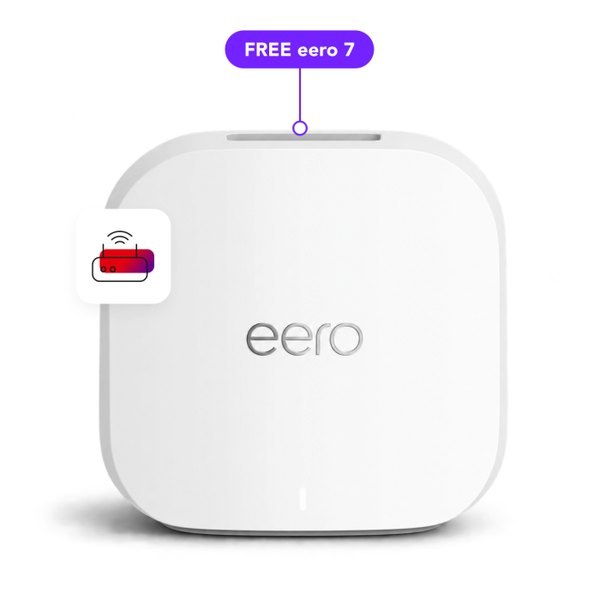
The eero 7 is a dual-band mesh router. Superloop says it supports internet plans up to 2.5 Gbps, with two auto-sensing 2.5 GbE ports and wireless speeds up to 1.8 Gbps. You manage it through the eero app.
On the brand’s page, the eero 7 is offered free, valued at AUD 216, when you connect to an eligible nbn plan and stay connected for 24 months. Terms and conditions apply. A free eero Secure subscription, which Superloop values at AUD 5 per month, is also part of the offer. It adds features such as active threat protection and parental controls through the app.
This modem suits a small to medium home. See the eero 7 offer for current terms.
eero Pro 7: For Gigabit Households and Bigger Homes
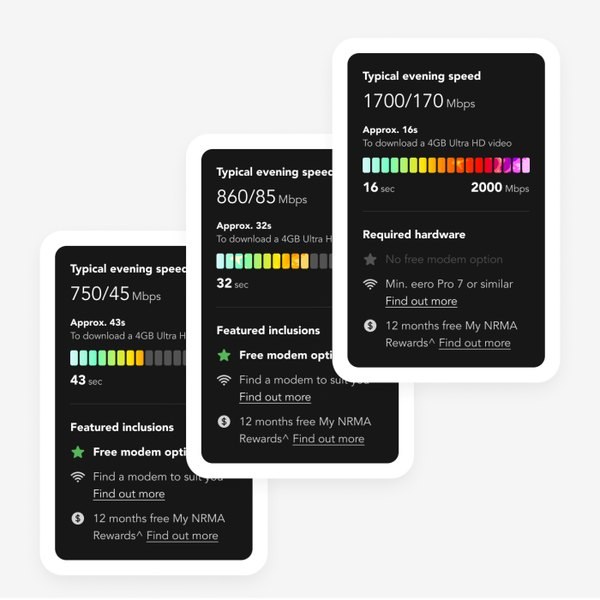
The eero Pro 7 is the tri-band option. Superloop says that when you connect to its 2 Gbps plan, it recommends the eero Pro 7 to make the most of the speed. The brand quotes up to 5 Gbps in total, made up of up to 4.7 Gbps wired or up to 3.9 Gbps wireless.
Both eero models build on Wi-Fi 7 features such as multi-link operation, which Superloop highlights as a way to improve performance. The Pro model adds a third band, which is helpful when many devices are online at once.
If your home has several floors, thick walls or a lot of smart devices, this is the model to look at. You can see current options and eligibility on the Superloop modem pages.
TP-Link VB433v: The All-in-One Modem
The TP-Link VB433v is a single device that combines a modem and a Wi-Fi 7 router. Superloop lists dual-band speeds of about 5,760 Mbps on 5 GHz and about 1,376 Mbps on 2.4 GHz, along with 2.5GE WAN and LAN ports for multigig connections.
It also supports EasyMesh, MU-MIMO and band steering, WPA3 security, USB 3.0 media sharing and remote management, and it comes with the Aginet app. Its two FXS ports let you connect standard phones for internet-based voice calls, which Superloop describes as a good fit for home offices.
Like the eero 7, it is valued at AUD 216 and is offered free with an eligible nbn plan if you stay connected for 24 months, with terms and conditions.
How to Choose: A Simple Guide
- Small home or flat, a few people online: the eero 7 is likely to be enough.
- Larger home, several floors or many devices: look at the eero Pro 7, especially on a 2 Gbps plan.
- You want a landline-style phone or work from home: the TP-Link VB433v has built-in VoIP.
- You already own a modern Wi-Fi 6 or Wi-Fi 7 router: you may not need a new one, but check that it works with your plan.
Superloop’s nbn speed guide also gives a rough idea of home size. It suggests one modem plus one extender for a medium home, and one modem plus two extenders for a large home. If you are unsure, start with the address checker on the Superloop website and look at the modems offered with your plan.
Placement Tips That Cost Nothing
Even the best modem can disappoint if it is in the wrong place. Superloop recommends placing your modem, mesh unit or extender in an open area, preferably elevated. The brand also says that mirrors, fridges, devices that emit radio signals, solid brick and concrete walls and floors, and even fish tanks can interfere with the signal.
- Put the modem near the centre of the home, not in a cupboard or behind the TV.
- Use a wired connection for fixed devices such as a desktop, a games console or a TV, if possible.
- Keep the modem away from large metal objects and thick walls.
- Restart the modem and run a speed test if performance suddenly drops.
Useful Extras After You Set Up
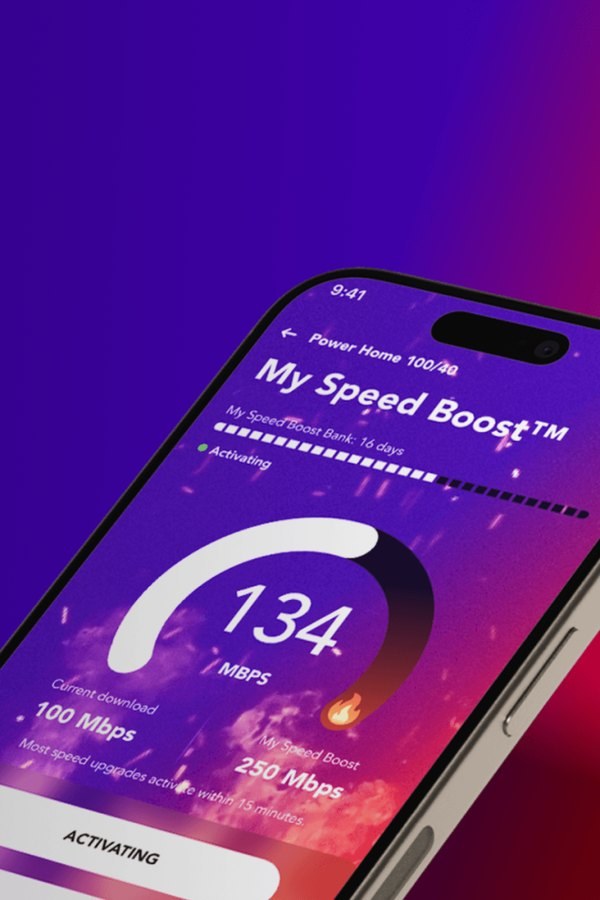
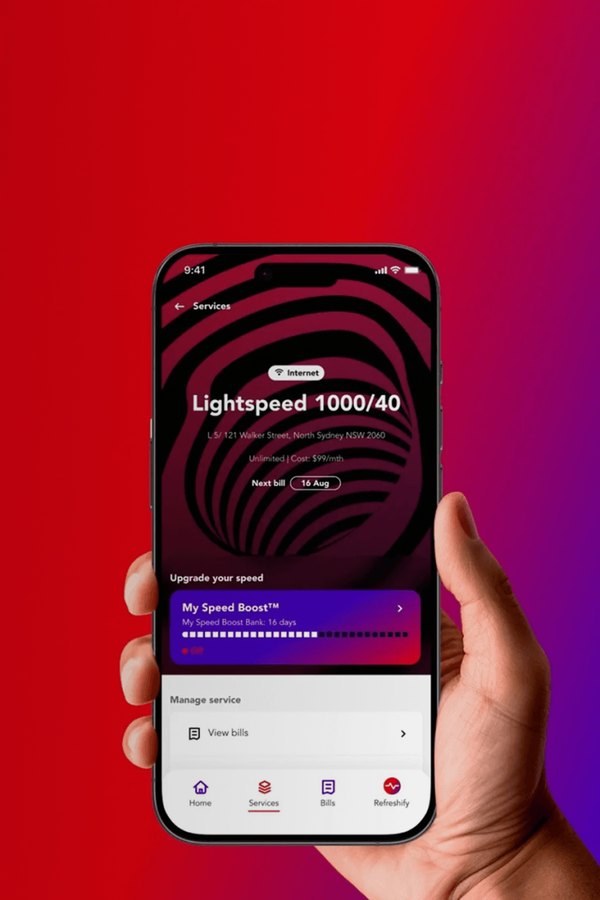
Superloop offers a few extras that work well with a good modem. My Speed Boost lets you increase your internet speed when you need it, while the Superloop app helps you check your service and run a speed test.
If you also take a mobile plan, the bundle and save offers may reduce your monthly cost. Check the current terms before you decide.
Final Thoughts
A good modem will not make a slow plan fast, but a poor one can make a fast plan feel slow. Look at the size of your home, the number of devices and the speed of the plan, then pick the modem that fits. When you are ready, you can compare Superloop nbn plans and modems and check which offers apply at your address. Remember that free modem offers and eero Secure access depend on staying connected for 24 months, so read the terms first.