agent
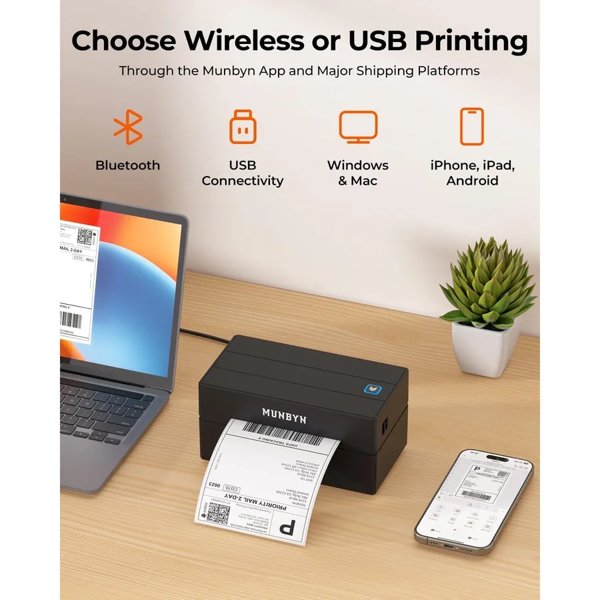
If you send more than a handful of parcels a week, printing labels on an inkjet and taping them on soon gets tiresome. A direct thermal label printer uses heat instead of ink, so there are no cartridges to replace, and it prints peel-and-stick 4×6 labels in seconds.
MUNBYN is one of the best-known names in this space, and its UK site currently lists six 4×6 label printers. They look similar but differ in how they connect, how sharp they print and who they are designed for. This guide compares them using the specifications published on munbyn.co.uk, checked on 4 November 2026. The site sends shoppers to a “today’s deal” link for prices, so check the current price before you buy.
In this guide
- Six MUNBYN Label Printers at a Glance
- MUNBYN 130B: The All-Rounder
- MUNBYN 941B: Simple Desktop Printing
- MUNBYN 941BP: Sharper 300 dpi Labels
- MUNBYN RW402B: Made for Beginners
- MUNBYN RW403B: Quiet and Long-Lasting
- MUNBYN 941AP: Wi-Fi for Teams
- How to Choose
- Running Costs and Label Design
- Platform Compatibility
- Final Thoughts
Six MUNBYN Label Printers at a Glance
| Model | Resolution | Speed (as listed) | Connection | Best for |
|---|---|---|---|---|
| 130B | 203 dpi | Up to 150 mm/s, 60 labels/min | Bluetooth, USB | Everyday shipping from phone or desk |
| 941B | 203 dpi | Up to 72 labels/min | Bluetooth (phones), USB (computers) | Simple desktop set-up |
| 941BP | 300 dpi | Up to 180 mm/s | Bluetooth (phones), USB (computers) | Logos, small text, product labels |
| RW402B | 203 dpi | Up to 72 labels/min | Bluetooth only | Beginners and batch printing |
| RW403B | 203 dpi | Not stated; up to 970,000 label life | Bluetooth, USB | Quiet home offices |
| 941AP | 203 dpi | Nearly 72 labels/min | Wi-Fi, AirPrint | Teams and Apple users |
All six use direct thermal printing and take labels from 40 to 110 mm wide, so they handle standard 4×6 shipping labels as well as smaller address and barcode labels.
MUNBYN 130B: The All-Rounder
Pictured at the top of this guide, the 130B is described by MUNBYN as “the everyday shipping label printer for sellers who pack from a phone as often as from a desk”. It connects by Bluetooth and USB, prints at 203 dpi and is rated at up to 60 labels per minute. Windows, macOS and ChromeOS can print through the MUNBYN Editor in Google Chrome without a driver, while phones use the MUNBYN app. It measures 9.9 x 18.2 x 8.7 cm, weighs 800 g and comes with 25 starter labels. MUNBYN notes that Windows devices with ARM processors are not supported.
MUNBYN 941B: Simple Desktop Printing
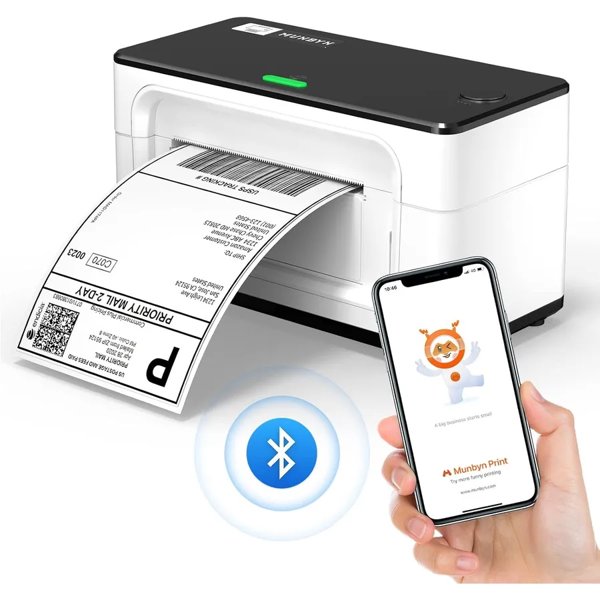
The 941B is a straightforward desktop model. Phones and tablets connect by Bluetooth, but computers must use USB. In return it supports Linux as well as Windows, macOS and ChromeOS. It is rated at up to 72 labels per minute and weighs 1 kg.
MUNBYN 941BP: Sharper 300 dpi Labels
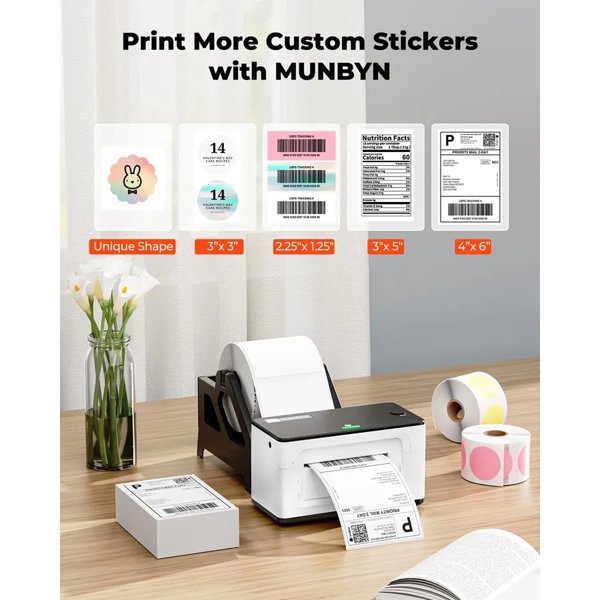
If you print your logo on labels, or need very small text and dense barcodes, the 941BP’s 300 dpi resolution is the key upgrade. It is also the fastest model listed, at up to 180 mm/s, which MUNBYN says works out at nearly 72 labels per minute with its own labels. Connection rules are the same as the 941B: Bluetooth for phones, USB for computers.
MUNBYN RW402B: Made for Beginners
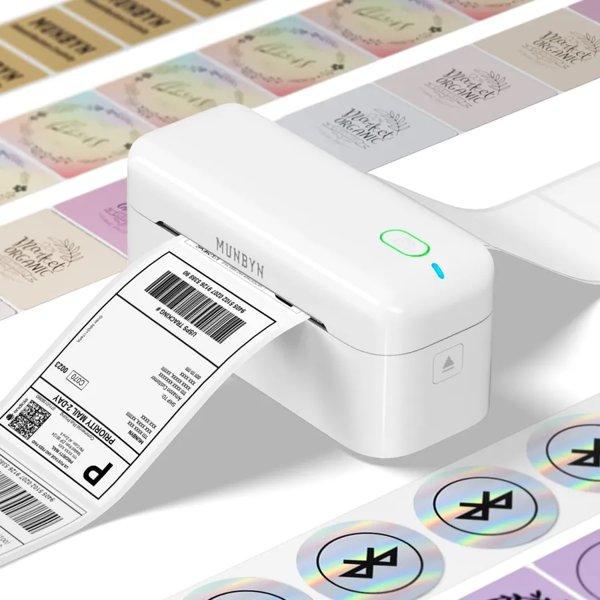
The RW402B is Bluetooth-only, but it works with computers as well as phones, printing from desktops through the Munbyn Editor in Chrome. MUNBYN highlights its “MicroJam” technology, with a quoted jam rate under 0.01 percent, and an auto optimisation feature it says can cut label waste by up to 30 percent. The app includes over 2,000 templates, 80+ fonts and OCR text recognition, and the printer comes with a quick start card, video tutorials and 24 months of tech support.
MUNBYN RW403B: Quiet and Long-Lasting
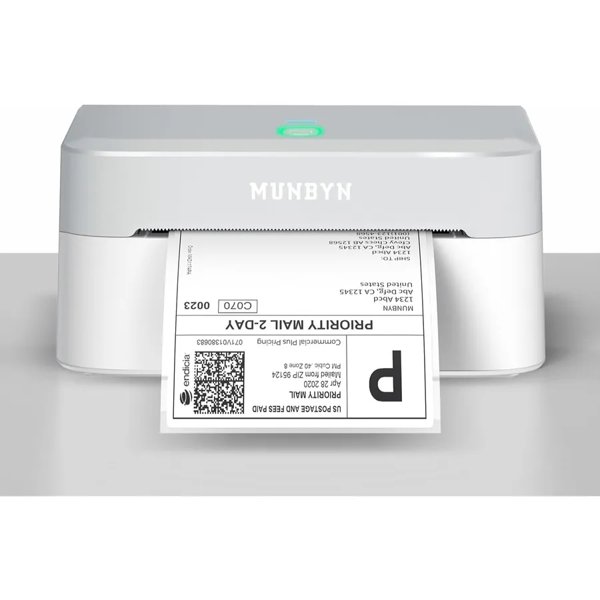
The white RW403B is aimed at people who print in shared spaces. MUNBYN quotes a noise level of 60 dB and a life of up to 970,000 labels. Bluetooth works with Windows, macOS, ChromeOS, Android and iOS, with USB for Windows and macOS. The brand also claims its calibration algorithm removes 99.8 percent of label misalignment.
MUNBYN 941AP: Wi-Fi for Teams
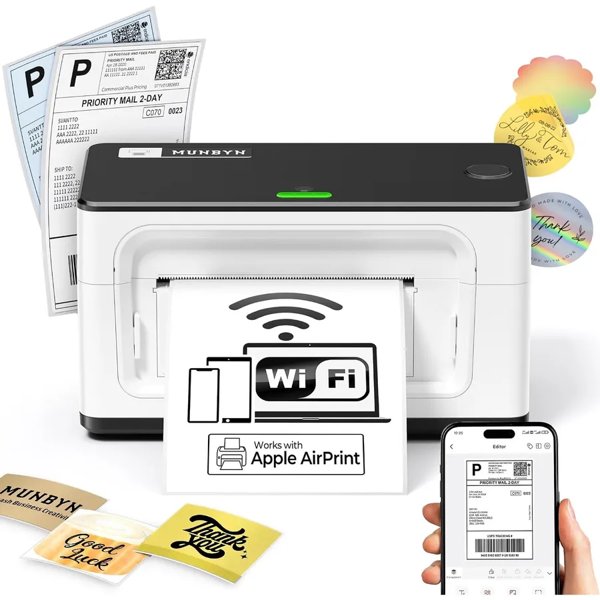
The 941AP is the one to choose if several people need to print. It connects over Wi-Fi, supports AirPrint for iPhone, iPad and Mac, and lets up to five devices print at the same time. All devices must be on the same Wi-Fi network as the printer.
How to Choose
- Mostly print from your phone: the 130B or RW402B.
- Use a Linux computer: the 941B.
- Want crisp logos on product labels: the 941BP at 300 dpi.
- Work in a shared or quiet space: the RW403B.
- Have a team or an all-Apple set-up: the 941AP.
- First label printer: the RW402B, with its guided set-up and support.
Running Costs and Label Design
Because direct thermal printing needs no ink or toner, the main ongoing cost is the labels themselves. MUNBYN says the RW402B recognises label widths from 40 to 110 mm in about three seconds, and its app and Chrome editor offer over 3,500 design elements alongside the templates, so you can make branded stickers, product labels and barcodes as well as shipping labels. Buying labels in bulk rolls or fanfold stacks usually keeps the cost per label down for busy sellers.
Platform Compatibility
MUNBYN lists compatibility with the major UK selling and shipping platforms, including Royal Mail, Evri, DPD, Shopify, Etsy and eBay, with Vinted named on the 130B page. Remember that thermal printers need direct thermal labels: there is no ink, so standard paper will not work.
Final Thoughts
For most small sellers the 130B covers the basics well, while the 941BP and 941AP are worth the step up for branded labels or shared workspaces. Compare current deals on the MUNBYN UK website before buying.
If you are unsure, the MUNBYN label printer range page lists every model side by side.
Disclaimer: This article contains affiliate links. If you buy through them we may earn a commission at no extra cost to you. Specifications were taken from munbyn.co.uk on 4 November 2026 and may change.